
Compare booking with invoiced execution instead of treating demand as delivered sales.
Distribution ERP for Pakistan
Control the full distribution cycle, not just the invoice.
RANGE 360 connects territories, outlets, field teams, orders, stock, returns, recovery, schemes, claims, accounts and management reporting in one controlled operating system.
- Pakistan-ready
- Multi-location
- Role-based
- Web platform
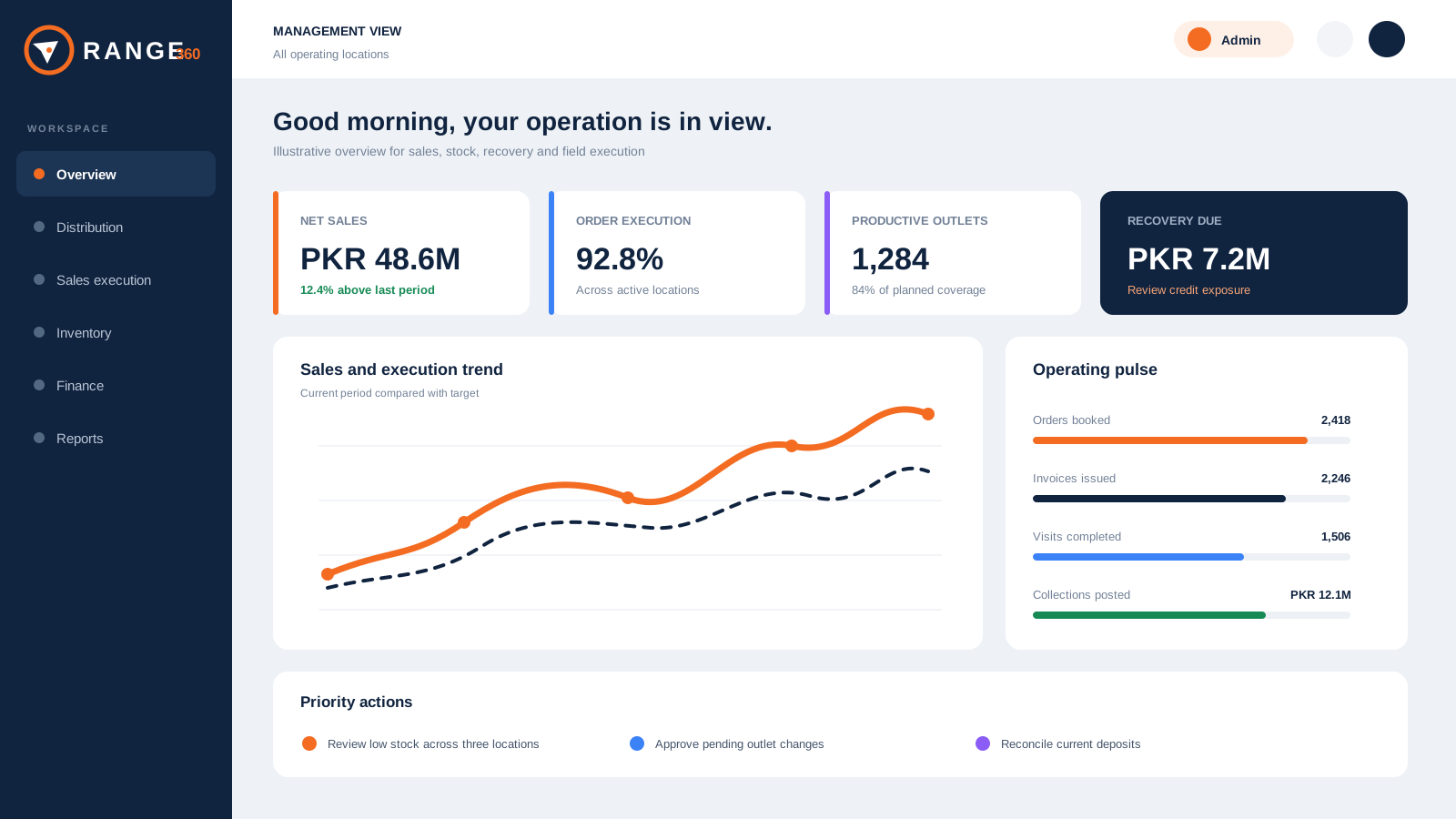 Booking vs executionStock by locationRecovery due
One controlled distribution cycleSecondary salesStock movementField executionRecoverySchemes and claims
The RANGE 360 control loop
The operation starts before an order and continues after delivery.
Simple sales software records the invoice. RANGE 360 connects the operating decisions around it, so each team works from related structures, transactions and evidence.
- 01StructureLocations, territories, outlets, products and roles
- 02PlanJourneys, assignments, prices, targets and schemes
- 03ExecuteOrders, invoices, returns, receipts and stock movement
- 04ReconcileStock, credit, discounts, claims and accounts
- 05ReviewSecondary sales, productivity, recovery and finance
Where control is usually lost
Different teams can be busy while the business record stays incomplete.
Field teams track coverage and bookings. Warehouses track stock. Finance tracks receipts and balances. Commercial teams track schemes and claims. When those records are separate, every review begins with reconciliation.
Explore secondary sales control →Trace purchasing, dispatch, receipt, transfer, physical count and adjustment records.
Connect receipts, ledgers, aging and field recovery responsibility to the customer record.
Built around the operating work
Three connected systems in one distribution platform.
Plan and execute secondary sales
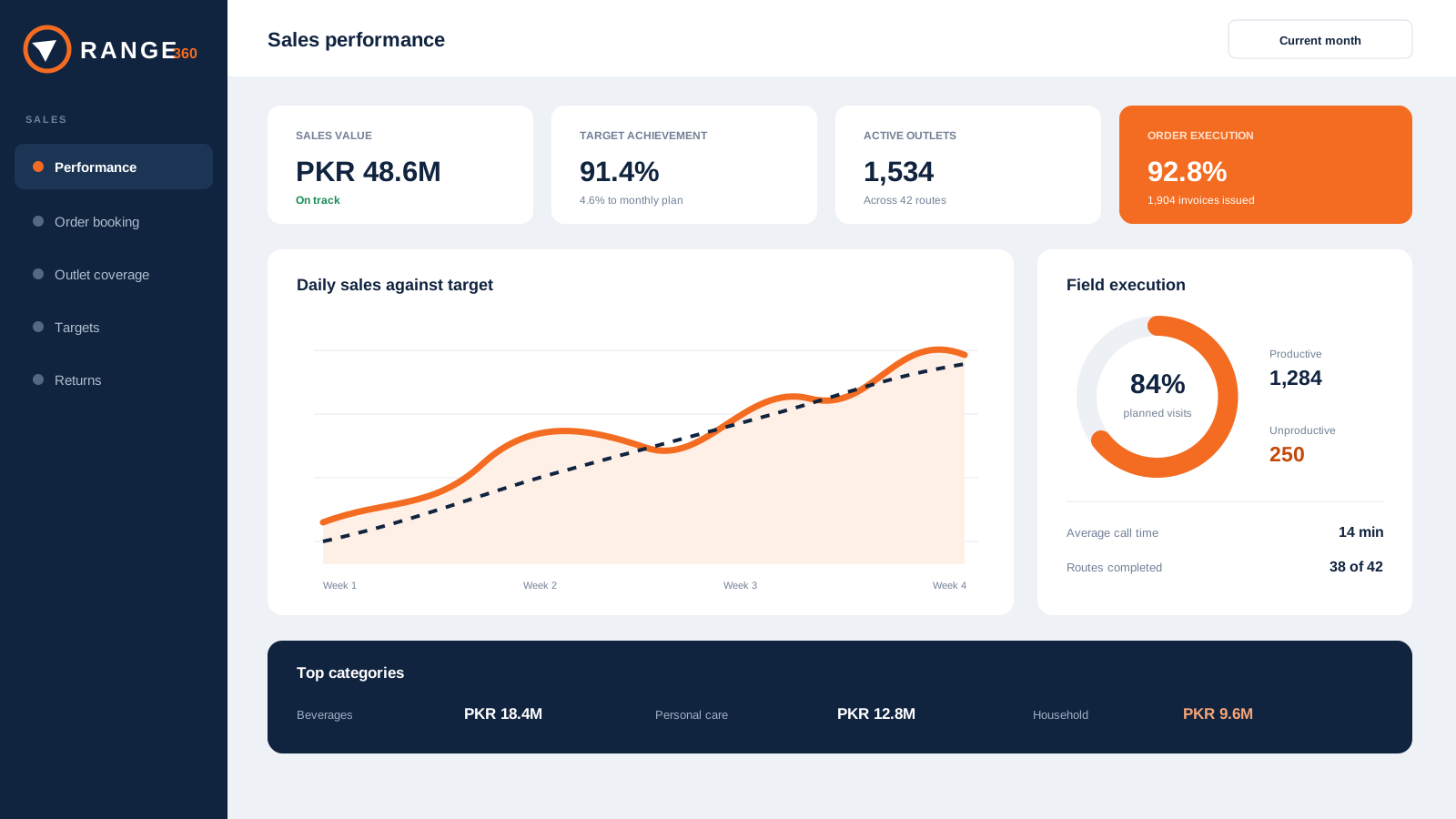
Structure territories, outlets, products, prices, field assignments, journeys, targets, orders, returns and productivity.
- Outlet and channel context
- Booking versus execution
- Targets and field accountability
Know why inventory changed
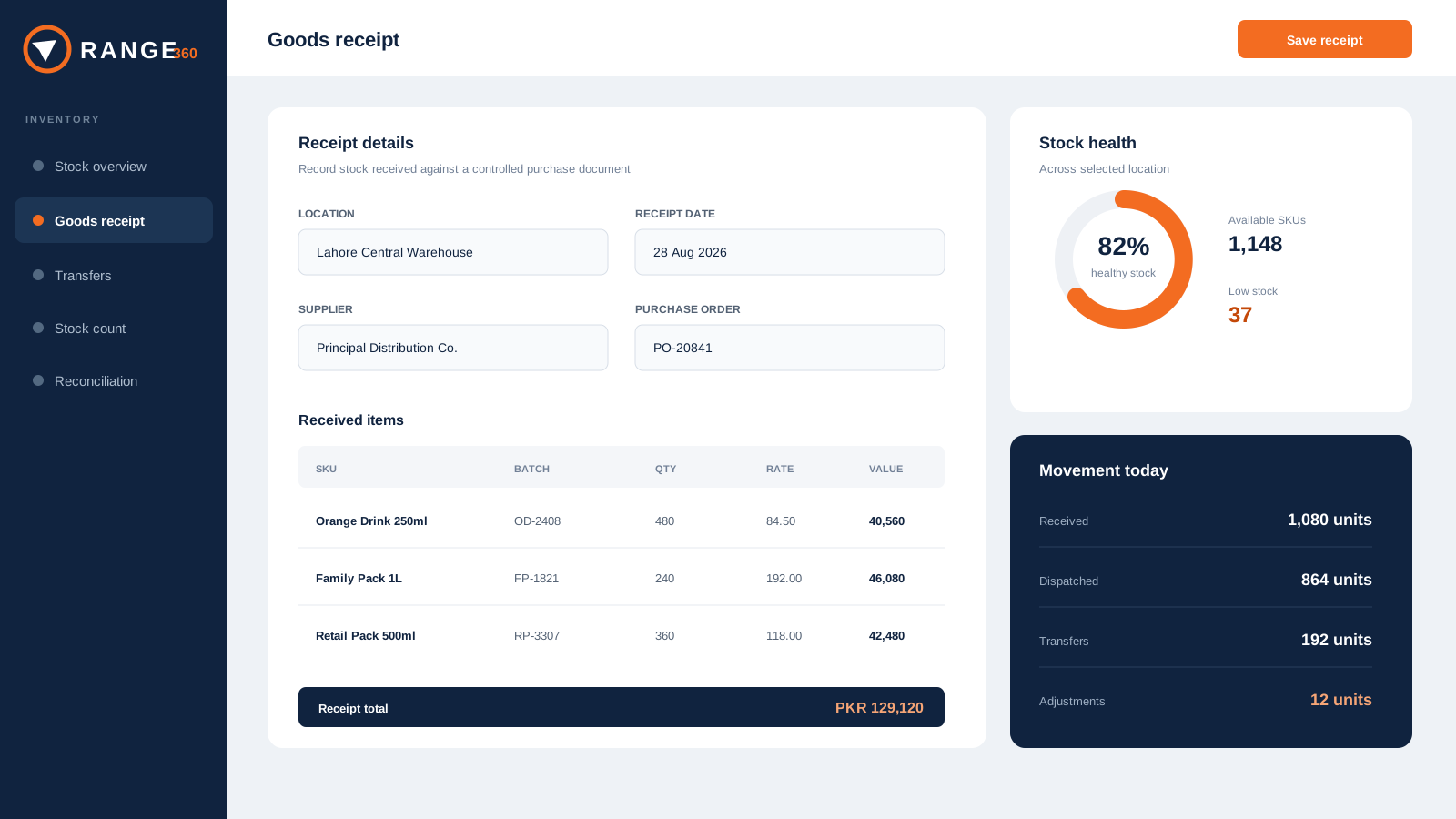
Connect purchase orders, dispatch, goods receipt, transfers, stock counts, adjustments and reconciliation across locations.
- PO to dispatch to GRN
- Location-scoped stock
- Reconciliation and stock cover
Close the commercial loop
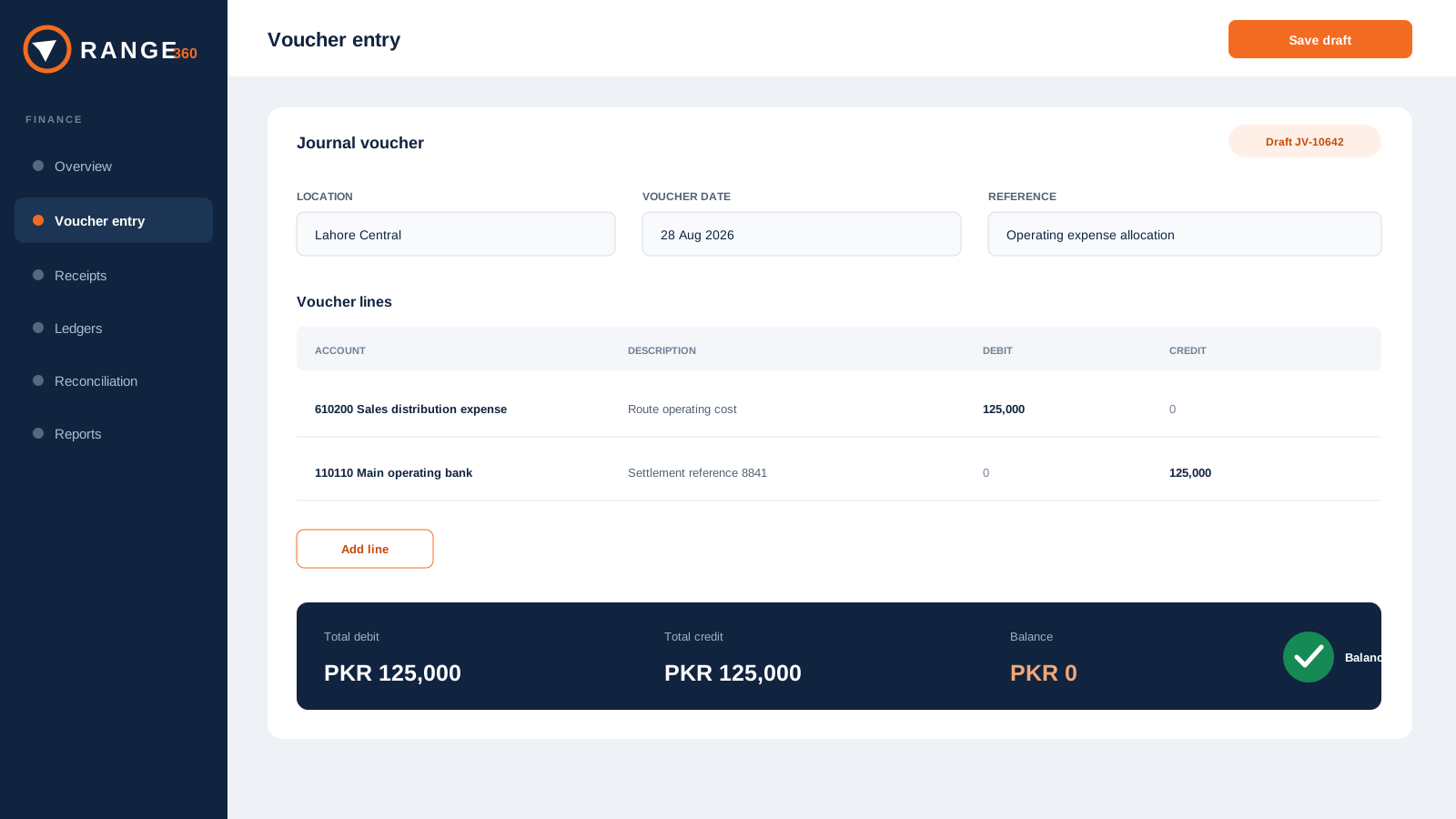
Keep receipts, customer balances, credit aging, schemes, claims, vouchers, ledgers and financial reporting close to daily operations.
- Recovery and customer credit
- Schemes and claim evidence
- Operational accounts
Self-guided product tour
See the workflow before you book a meeting.
Walk through illustrative interfaces for management, sales, inventory and finance. Each stop explains the source records, operating questions and controls to test in a live demonstration.
A view for every operating owner
Each role sees its work without losing the shared business context.
RANGE 360 is strongest when commercial, operations, finance and management agree on the same structures and source records.
See the operating position
Review sales, stock, recovery, claims and finance without rebuilding the story from separate files.
Control market execution
Connect territories, outlets, SKUs, prices, targets, schemes and secondary-sales performance.
Explain every movement
Follow purchase, dispatch, receipt, transfer, count and adjustment records across locations.
Close the commercial loop
Keep receipts, credit, claims, vouchers, ledgers and financial reports close to operations.
Protect ownership and access
Define data responsibilities, scoped permissions, acceptance scenarios and integration boundaries.
Evaluate with practical evidence
Use your own workflow to make the decision.
International enterprise software leaders make evaluation easier with tours, tools, implementation detail and buyer guidance. RANGE 360 applies that same discipline without hiding the important questions behind a form.
Pakistan distribution context
Local fit should appear in the workflow, not only in the sales pitch.
RANGE 360 represents distributor and geographic structures, outlet hierarchies, multi-principal products, customer pricing, trade schemes, secondary sales, receipts, recovery and detailed operational reporting.
Explore industry fitFrom outlet plan to settlement, keep the whole distribution cycle within range.
RANGE 360Frequently asked
Questions operators ask before a walkthrough.
What is RANGE 360?
RANGE 360 is distribution operations software that connects sales, inventory, outlet execution, finance, controls and reporting in one web platform.
Which businesses is RANGE 360 designed for?
RANGE 360 is designed for distributors, wholesalers and packaged-goods businesses, including FMCG, pharmaceutical and cosmetics distribution networks.
Can RANGE 360 support multiple locations and distributors?
Yes. RANGE 360 is designed around multi-location operations, distributor assignments, geographic hierarchies and scoped user access.
Does RANGE 360 replace accounting software?
RANGE 360 includes operational accounting workflows such as vouchers, receipts, ledgers, trial balance and financial reports. The right implementation depends on your finance and integration requirements.
How do we evaluate RANGE 360?
Book a requirements walkthrough. We will map your locations, users, products, sales process, inventory controls and reporting needs before proposing an implementation.
Bring one real workflow