
Self-guided product tour
Follow one distribution day across the business.
See how operating structure, commercial rules, transactions and reports can stay connected from outlet planning through stock movement, recovery and management review.
- Pakistan-ready
- Multi-location
- Role-based
- Web platform
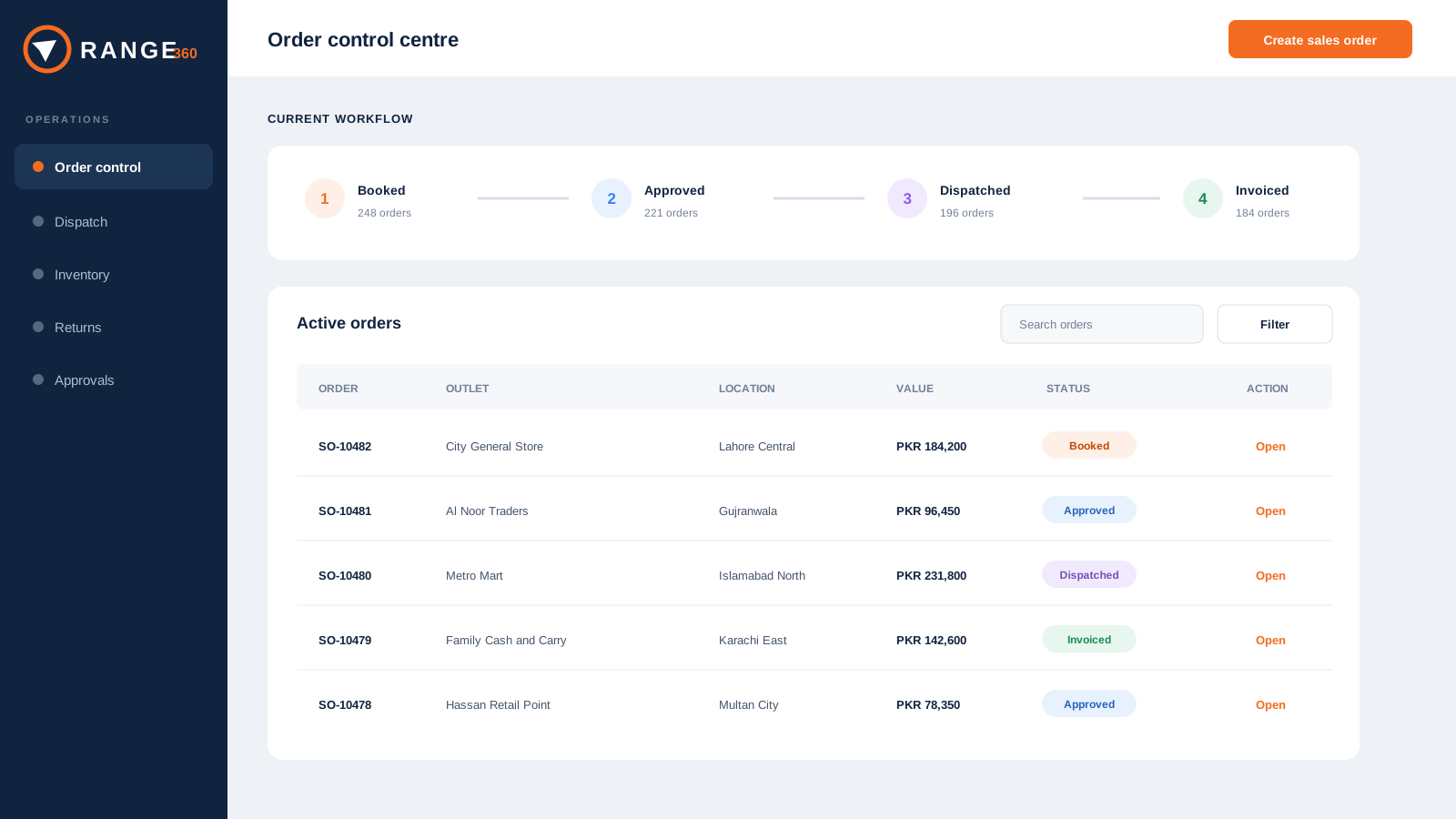
What this tour proves
The value is in the handoffs.
A dashboard alone cannot prove control. This tour shows how responsibility, commercial rules, transactions and reporting should remain connected across the distribution day.
The visuals are mock product concepts, not production screenshots. They communicate the workflow clearly while the product interface is refined. Exact implementation scope is confirmed in writing.
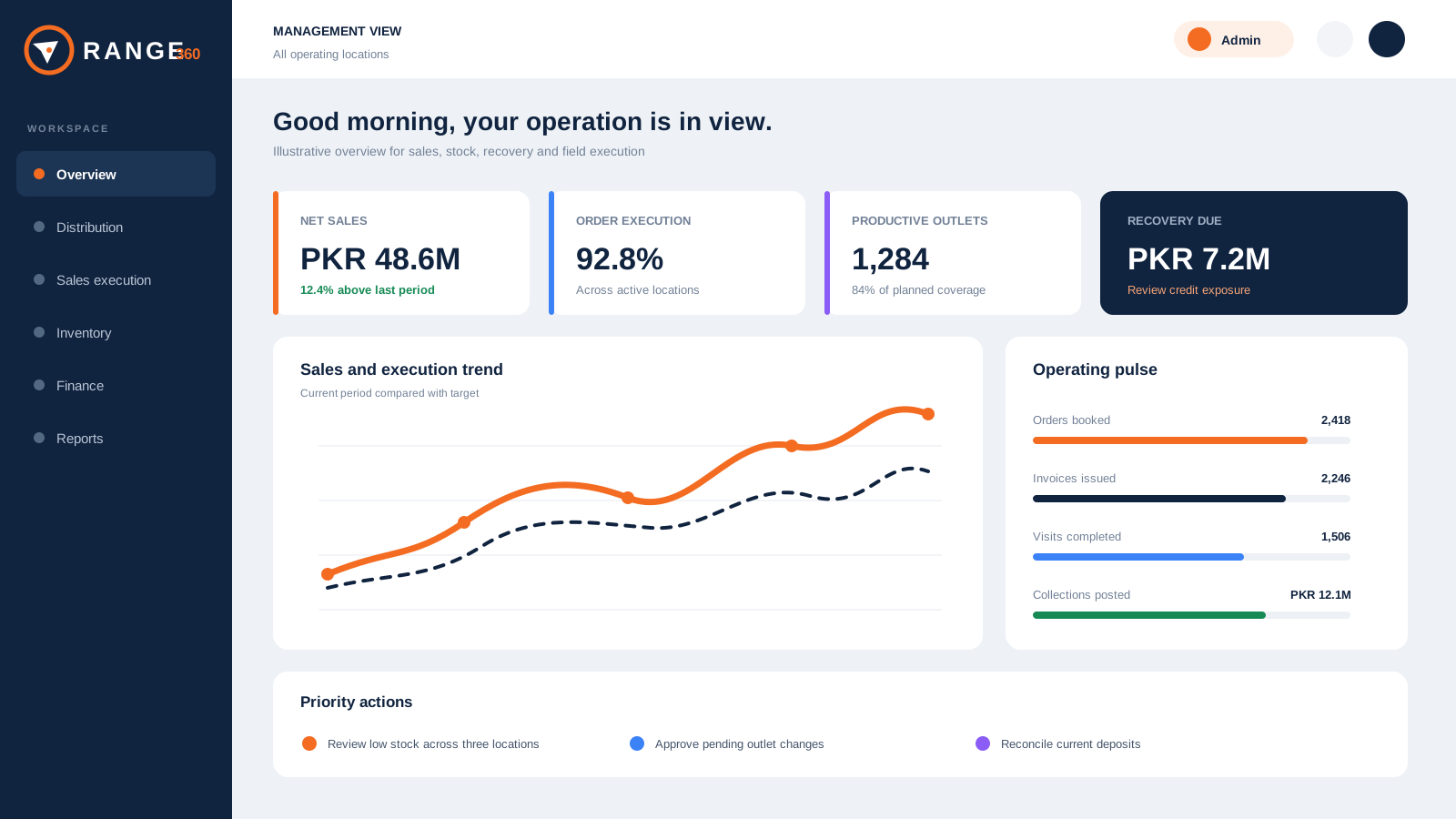
See the exceptions that need attention
Begin with the operating picture: booking against execution, stock by location, customer recovery and the records that explain each result.
- Filter by the permitted business scope
- Move from a summary to the source workflow
- Keep sales, stock and recovery in the same review
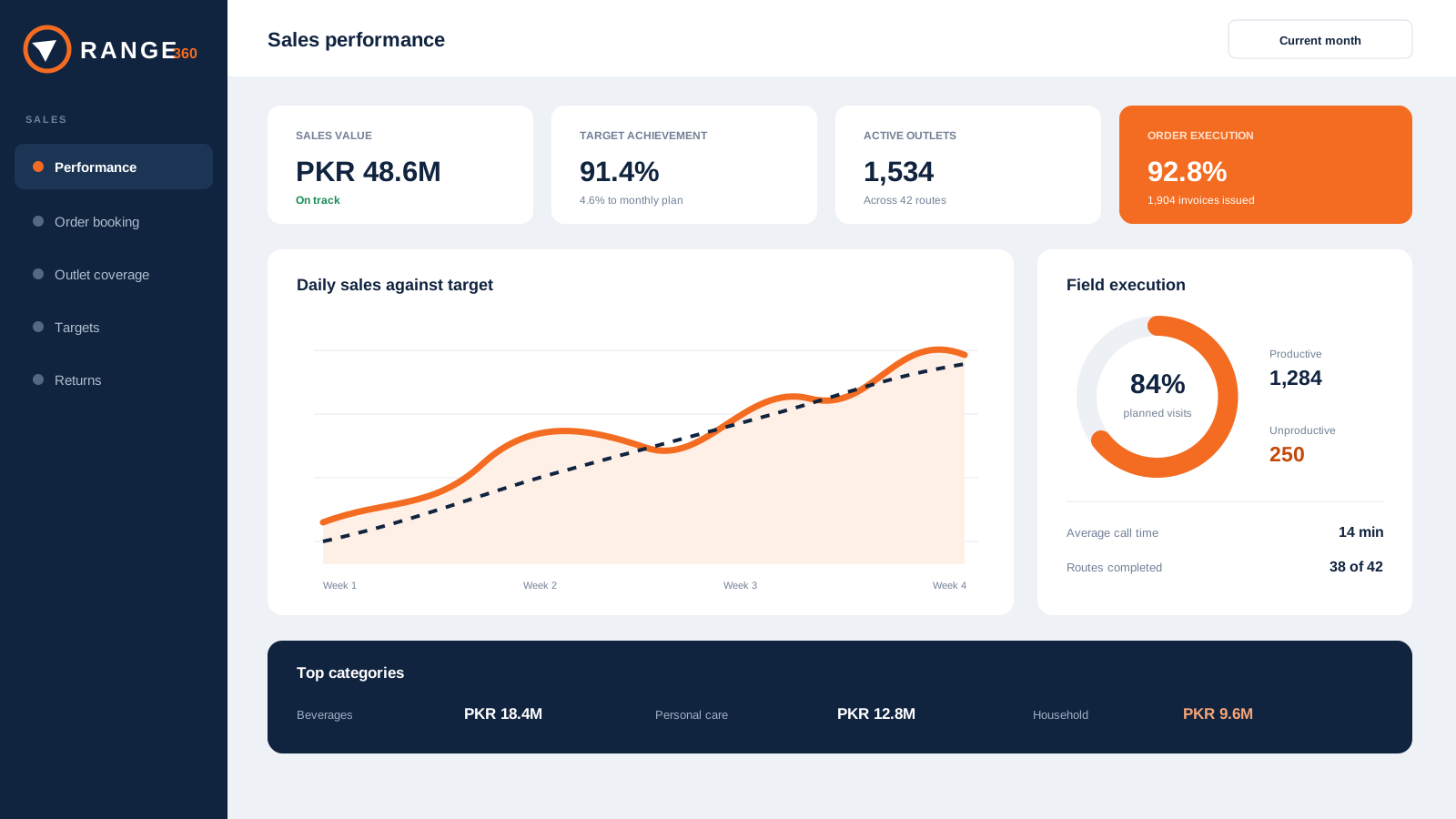
Connect outlet responsibility to the sale
Keep the outlet, territory, field employee, product, price and target context attached from booking through invoice, return and recovery.
- Compare assigned, ordered and productive outlets
- Review booking separately from execution
- Preserve returns and recovery responsibility
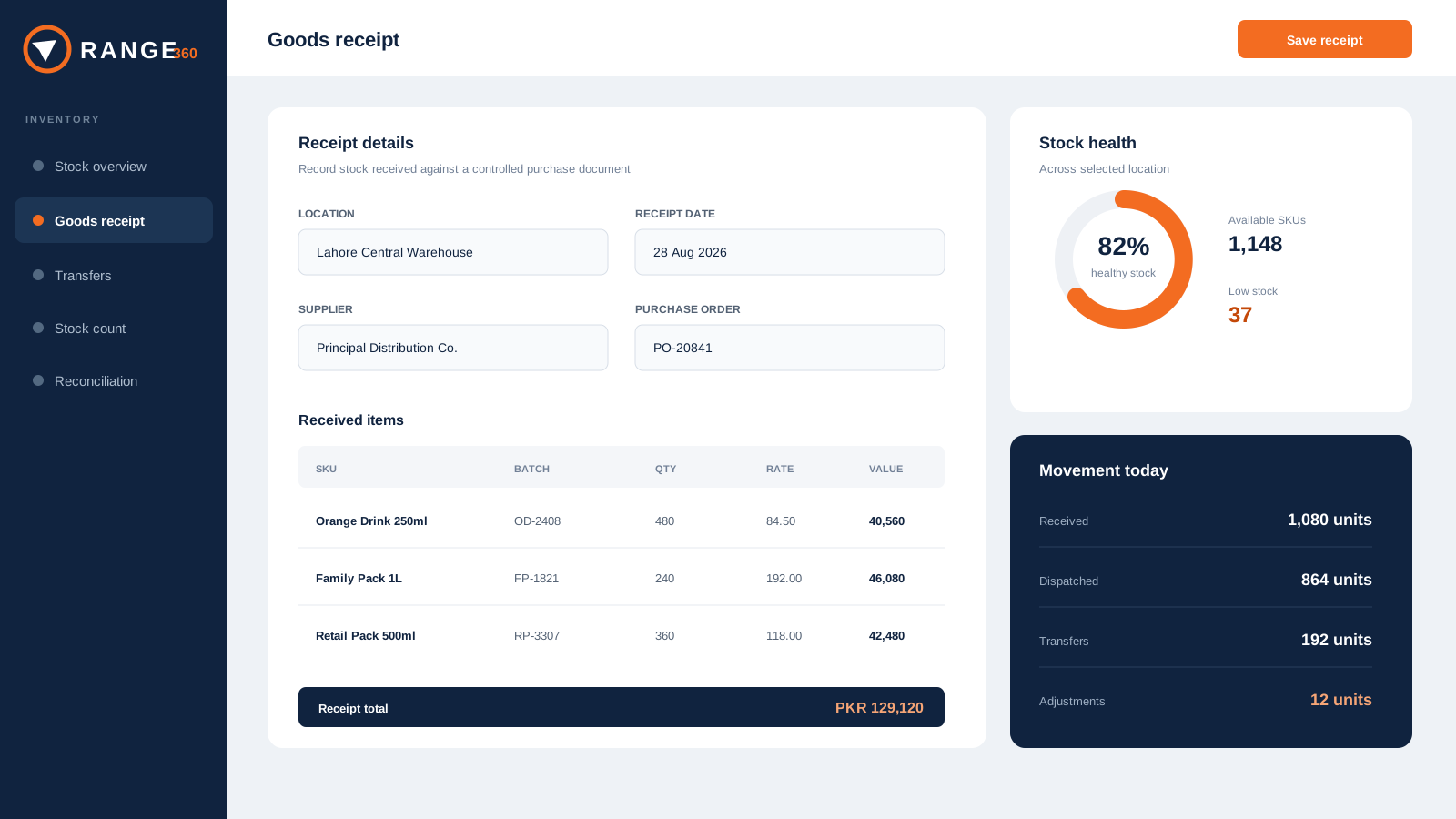
Explain what changed inventory
Follow purchasing, dispatch, receipt, transfer, physical count and adjustment records across the locations each user is allowed to operate.
- Trace movement to an operating document
- Reconcile physical and system positions
- Review cover, damage and expiry signals
Close the loop without losing context
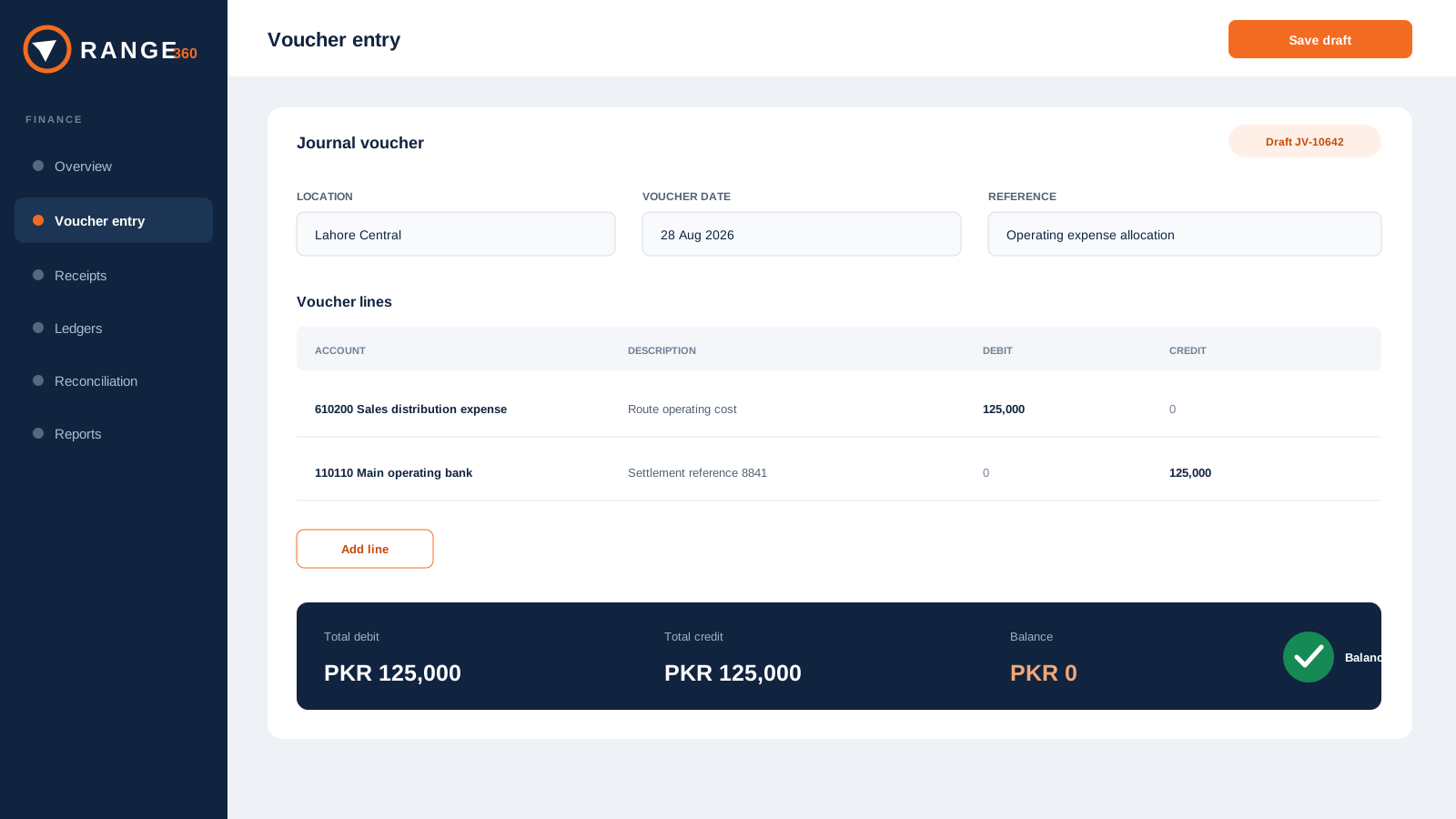
Connect receipts, balances, claims, vouchers and ledgers to the commercial and inventory work that created them.
- Review customer credit and aging
- Keep claim evidence close to settlement
- Move from operational result to finance report
Turn the tour into evidence
Bring one real source-to-report scenario.
We will use your documents, roles, rules and expected outputs to show what fits, record what needs configuration, and identify anything outside the current product scope.
- 1
Choose a scenarioOrder to invoice, purchase to receipt, return to balance, or scheme to claim.
- 2
Define the expected effectIdentify the stock, customer, finance and report result.
- 3
Run it with the right rolesTest permissions, corrections, exports and evidence.
Frequently asked
Questions operators ask before a walkthrough.
Are these production screenshots?
The interfaces on this tour are clearly labelled mock concepts. They show the intended workflow and visual direction while production screens remain private during product refinement.
Can we see our own process in a demonstration?
Yes. Bring one real scenario, including the users, documents, rules and expected reports. The live walkthrough can then focus on that process.
Does every implementation include every workflow shown?
Implementation scope is confirmed in writing. Modules, configuration, migration, integrations and rollout responsibilities depend on the agreed requirements.
Bring one real workflow